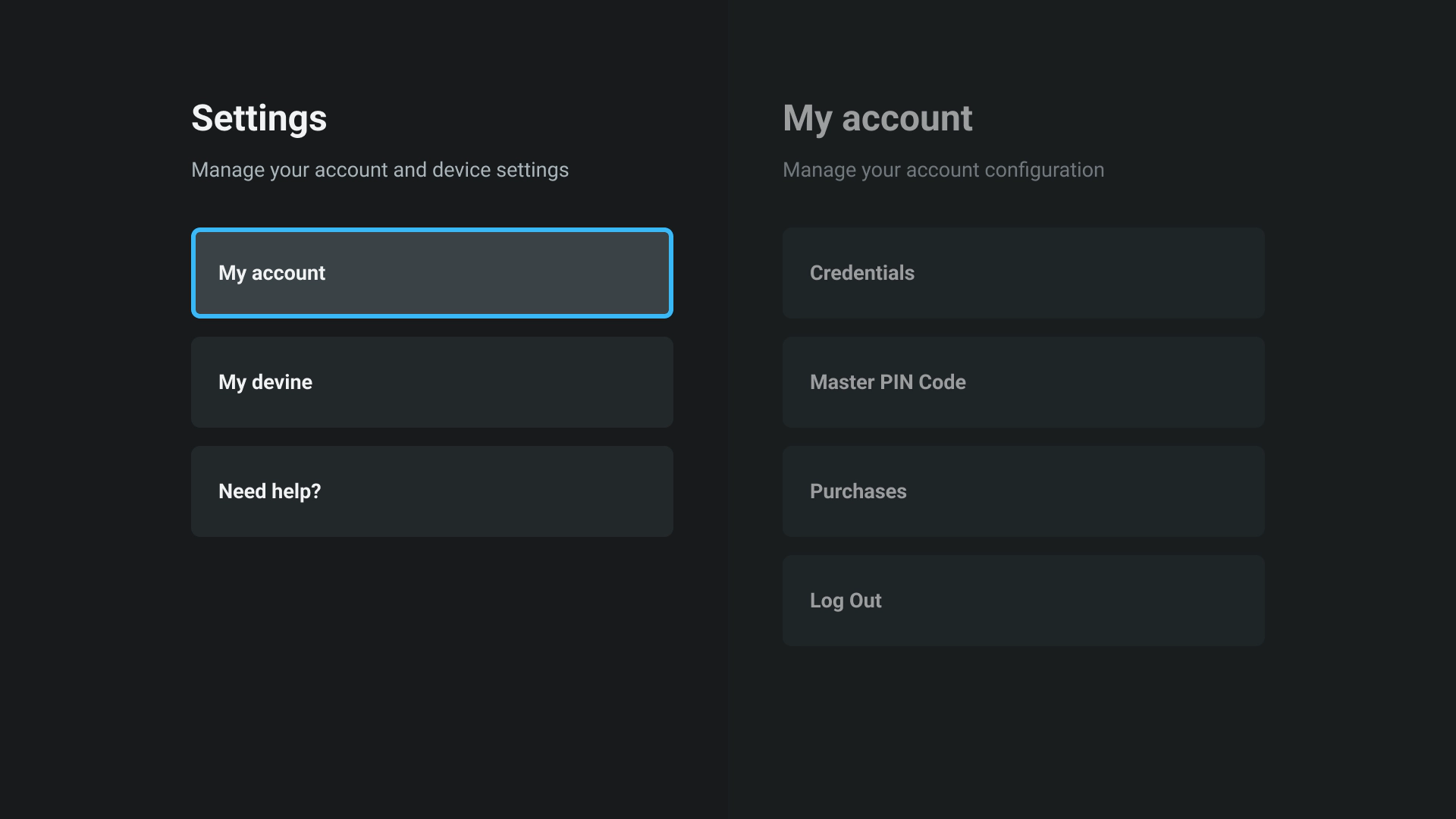
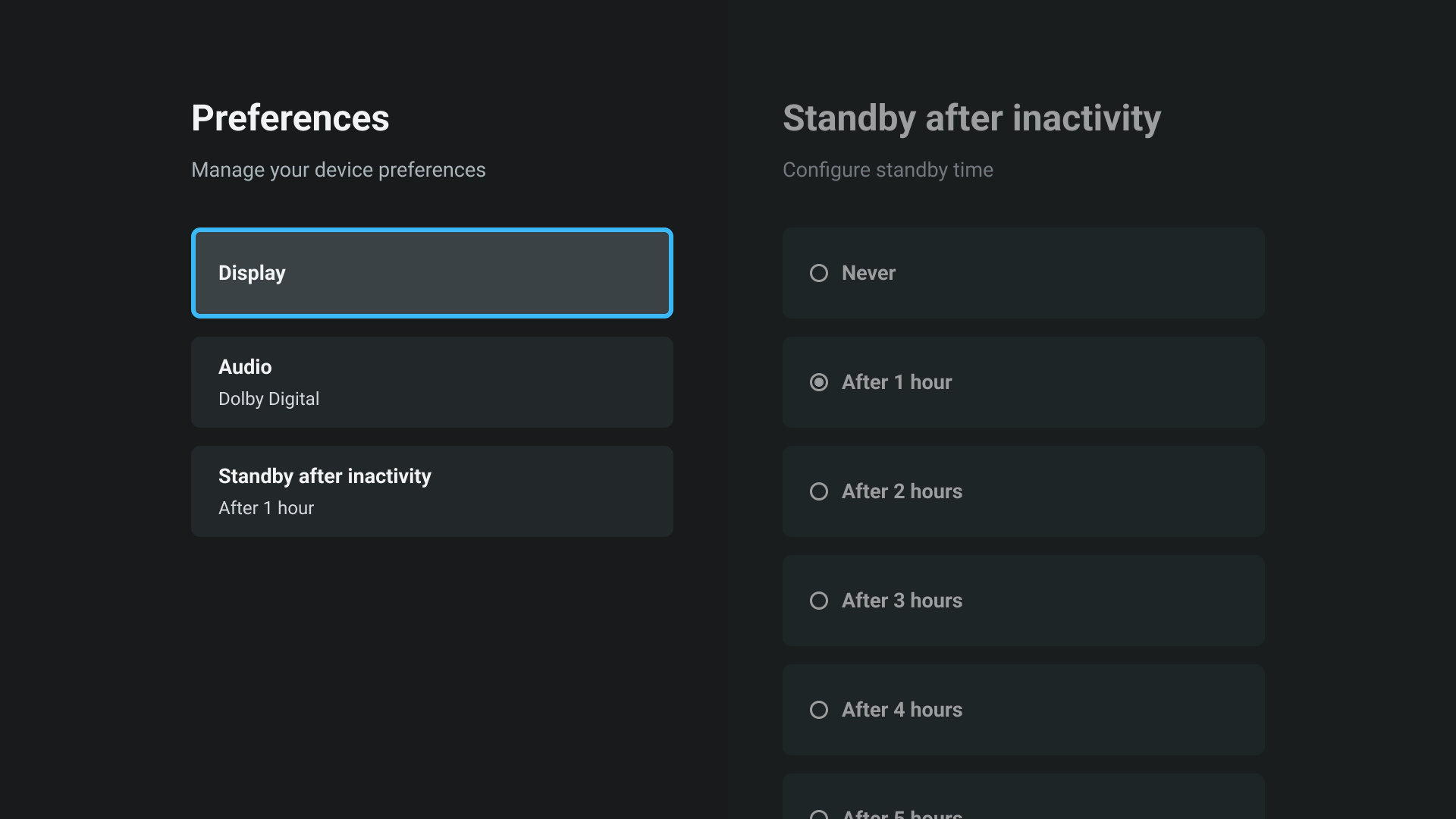
Each module can define SharedObject of type SETTINGS. This will be considered as first level of the settings. Then id of this “first level” could be used as type of other SharedObject to define “subLevel”. For example, based on above schema we have
SETTINGS
SETTINGS.PARENTAL_CONTROL
SETTINGS.PARENTAL_CONTROL.AGE_RATING
SETTINGS.PARENTAL_CONTROL.CHANNEL_LOCK
SETTINGS.ACCESSIBILITY
SETTINGS.ACCESSIBILITY.SYSTEM_LANGUAGE
SETTINGS.ACCESSIBILITY.AUDIO_LANGUAGE
SETTINGS.SYSTEM_INFO
For the need of the example, use 2 methods in it :
getPreviewAsync : will allow to retrieve preview value for an entry if it exists. It can call service of the module if required
isEnabledAsync : will allow to check if the settings is enabled (i.e. should be visible). For example, CEC will depend on hardware capability, FAQ on BE results…
Create a SettingsTreeService in SettingsModule. Its role is to build settings architecture and allow screens to retrieve those information. It will expose 3 methods :
getEntry : should allow to retrieve information relative to an Entry based on its id
getChildren : should allow to retrieve children of an Entry based on its id
call getSharedObject and map SharedObject to a SettingsEntry (be carefull SharedObject are mixins, so you should call .create() on them)
should only build a SettingsEntry if call to isEnabledAsync returns true
should call getPreviewAsync and set result in previewValue (do not put methods in a Model)
can do specific stuff based on id (for example FAQ will be dynamically created and can’t be based on SharedObject)
getParent : should allow to retrieve parent of en Entry based on its id
To mutualize screen behaviour it is important that you create multiple AbstractSettingsScren. Then you will be able to inherit from those AbstractSettingsScreen to build SettingsScreen of your module. Do not declare all SettingsScreen in SettingsModule. It is very important to use modularization for screens.
As soon as you arrive at a specific screen, use routing to move to another settings. It will allow you to only keep action and logic specific to the selected settings in one screen. Otherwise, it will become harder and harder to maintain.
Do not forget to add settings module as dependencies in your package.json of your module (modules/myModule/package.json) :
"wtvDependencies":{"settings":"1.0.0"}
Conclusion
Mutualise setting screens and views in SettingsModule and then define specific settings screens in modules that inherits or uses element of Settings module.
Define settings screens in each module and use routing
Handle settings choices inside module responsible for the feature instead of inside the module responsible for the settings
Use SharedObject to avoid full module loading for settings tree building